This page contains affiliate links. If you purchase an item using an affiliate link I will receive a small commission at no cost to you. Affiliates do not influence my recommendations. Read my disclosures for more information.
Here are the W-Fi 6 access points we recommend based on your answers:
Premium Wi-Fi 6 Access Point Recommendations
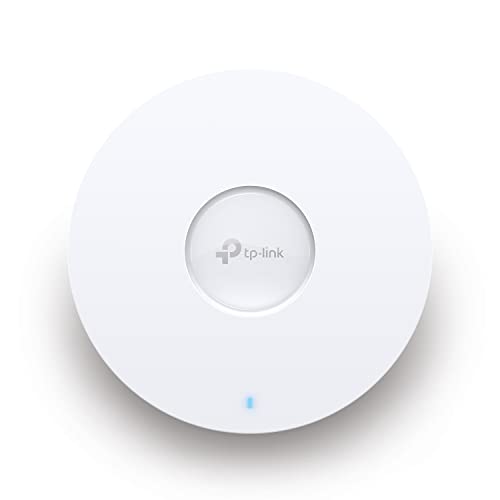
The Wi-Fi 6 access points recommended below will work for those who have lots of clients and/or want more advanced features and management capabilities from their access points. You can also read my review of the TP-Link EAP 620 to learn more about why I recommend it and how it compares to the EAP 660.
Preview
HomeTechHacker Recommendation
Product Name
TP-Link EAP620 HD | Omada WiFi 6 AX1800 Wireless Gigabit Access Point for High-Density Deployment | OFDMA, Mesh, Seamless Roaming & MU-MIMO | SDN Integrated | Cloud Access & Omada App | PoE+ Powered
TP-Link EAP660 HD | Omada WiFi 6 AX3600 Wireless 2.5G Access Point for High-Density Deployment | OFDMA, Mesh, Seamless Roaming & MU-MIMO | SDN Integrated | Cloud Access & Omada App | PoE+ Powered
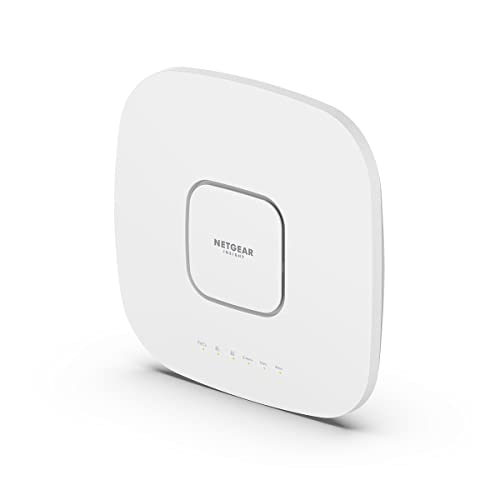
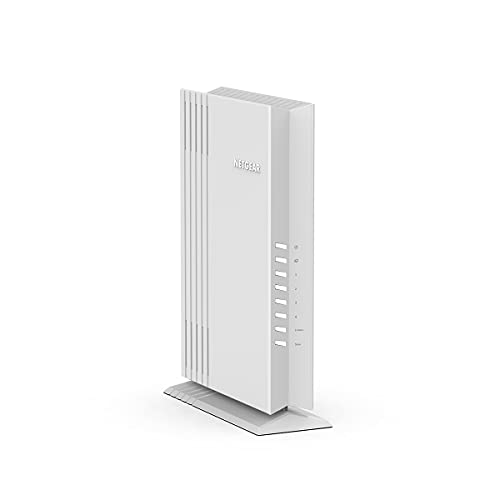
NETGEAR Cloud Managed Wireless Access Point (WAX630E) – WiFi 6E Tri-Band AXE7800 Speed | Mesh | MU-MIMO | 802.11ax | Insight Remote Management | PoE++ | Power Adapter not Included
Budget Pick
Product Name
TP-Link EAP620 HD | Omada WiFi 6 AX1800 Wireless Gigabit Access Point for High-Density Deployment | OFDMA, Mesh, Seamless Roaming & MU-MIMO | SDN Integrated | Cloud Access & Omada App | PoE+ Powered
HomeTechHacker Recommendation
Product Name
TP-Link EAP660 HD | Omada WiFi 6 AX3600 Wireless 2.5G Access Point for High-Density Deployment | OFDMA, Mesh, Seamless Roaming & MU-MIMO | SDN Integrated | Cloud Access & Omada App | PoE+ Powered
Step-Up Pick
Product Name
NETGEAR Cloud Managed Wireless Access Point (WAX630E) – WiFi 6E Tri-Band AXE7800 Speed | Mesh | MU-MIMO | 802.11ax | Insight Remote Management | PoE++ | Power Adapter not Included
Additional Popular Wi-Fi Access Points
Not all of these are Wi-Fi 6 access points, but they are all good options if you are looking to expand the Wi-Fi in your home.
Additional Home Network Device Recommendations
Here are additional home computer network devices that you might be interested in. If your router doesn’t quite cover your entire home, you might want to consider a Wi-Fi extender or a Wi-Fi access point (recommendations below).
I also recommend you read my book, The Home Network Manual, for help planning and configuring your home network.